
Instagram MP3 Downloader
Turn a public Instagram video or Reel into an MP3, right in your browser.
How to download Instagram audio online
- 01
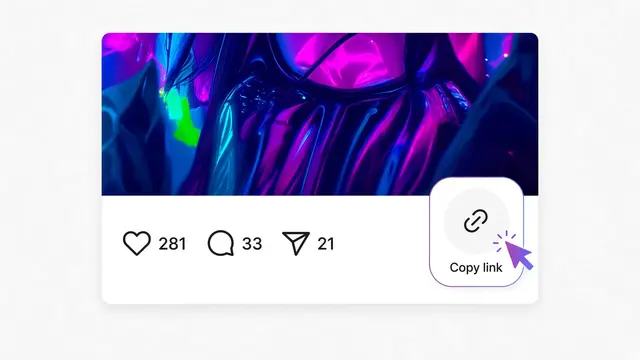
Open the Reel or video in Instagram, tap Share, then tap Copy link.
- 02
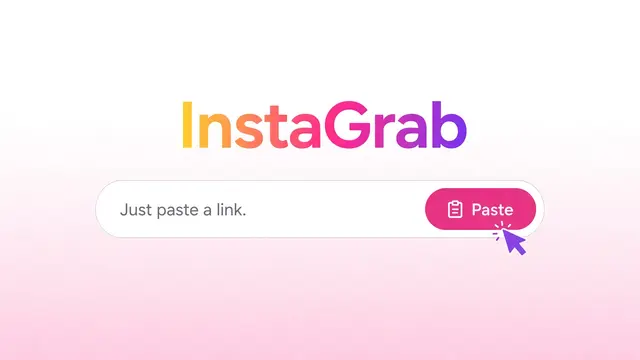
Paste the link into the box above and click Download.
- 03InstaGrab result

 Instagram postAudioDownload videoDownload MP3
On the result card, click Download MP3 to save the sound.
Save the sound from an Instagram video
This page turns the audio from a public Instagram video or Reel into an MP3 file. Paste the link, wait for the preview, then click Download MP3 on the result card.
The conversion happens in your browser. InstaGrab fetches the video, your browser pulls out the audio track, and the MP3 is saved on your device. The video itself is not saved unless you click Download video as well.
Any video result on InstaGrab has a Download MP3 button, so you can also start from the Reels page or the homepage. This page is a direct place to start when the sound is all you want.
Links that work here
Use the link to a public Reel or video post. These formats are accepted:
https://www.instagram.com/reel/SHORTCODE/https://www.instagram.com/reels/SHORTCODE/https://www.instagram.com/p/SHORTCODE/
You can leave off https:// and www. Extra parts after the code, such as ?igsh=…, are ignored.
What you get
- An MP3 audio file named instagrab_ followed by a random number.
- The audio track from the video, made into MP3 by your browser.
- A longer video takes longer to convert. The button shows a saving message while it works.
When it will not work
- The post is a photo. A photo has no sound to save.
- The video has no audio track. InstaGrab shows a message instead of an empty file.
- The account or post is private.
- The post was deleted, or the link was copied incorrectly.
FAQ
Is the MP3 made on your server?
No. The video is fetched through InstaGrab, and the conversion to MP3 runs in your own browser.
Can I get the MP3 from a photo post?
No. A photo has no audio. Use a public video or Reel link.
Why did I get a no-audio message?
That video file did not include a sound track, so there was nothing to turn into MP3.
Can I save the video too?
Yes. Each video result also has a Download video button.
Is it free, and do I need an account?
It is free, and you do not need an InstaGrab account or an Instagram login. You only need the link to a public post.
Where does the file go?
Your browser saves it. On a computer that is usually the Downloads folder. On Android it is usually Downloads as well. On iPhone, Safari may show a share sheet so you can save the file to Files or Photos.
Other InstaGrab tools
- Instagram Photo DownloaderSave a public Instagram photo from its link, including carousel slides.
- Instagram Reels DownloaderDownload a public Instagram Reel or video from its link. No sign-in, and no extra steps.
- Instagram Story DownloaderDownload a public Instagram Story from its link while it is still live.
- Instagram Carousel DownloaderSave each photo and video from a public Instagram carousel post.