
Instagram Story Downloader
Download a public Instagram Story from its link while it is still live.
How to download Instagram Stories online
- 01
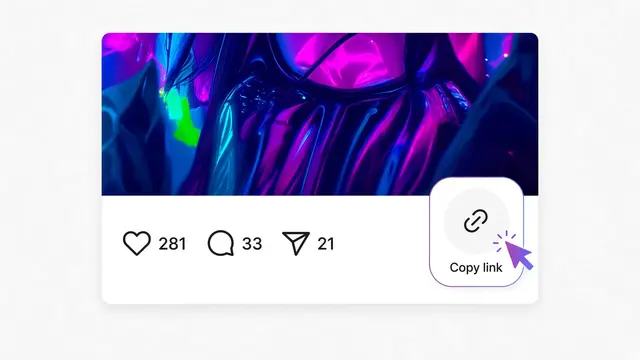
Open the Story while it is still up and copy its link.
- 02
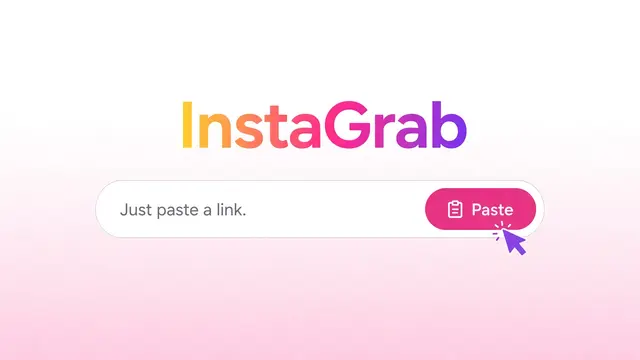
Paste the link into the box above and click Download.
- 03InstaGrab result

 Instagram postDownload videoDownload MP3
If the Story is available, save it from the result card.
Download Instagram Stories
Paste the link to a public Story while it is still up. If Instagram shows that Story without a login, InstaGrab shows it with a download button.
Stories are harder to fetch than posts. They expire after 24 hours, and Instagram often asks people to sign in before showing a Story. InstaGrab never signs in, so a Story that needs a login cannot be fetched.
If a Story does not work, the page tells you instead of returning an empty file.
Links that work here
You need the link to one Story, not just the account name:
https://www.instagram.com/stories/USERNAME/STORY_ID/
Highlights are not supported on this page.
What you get
- An MP4 file for a video Story, or a JPG file for a photo Story.
- File names start with instagrab_ followed by a random number.
When it will not work
- The Story has expired.
- Instagram requires a login to see it.
- The account is private.
- The link is a profile or a Highlight, not a single Story.
FAQ
Can I download an expired Story?
No. Once a Story has expired, it can no longer be fetched.
Why does a public account's Story still fail?
Instagram often asks for a login before showing Stories. InstaGrab does not sign in, so those Stories cannot be fetched.
Can I download Highlights?
Not at the moment. Highlight links are not supported.
Can I download a Story with just the username?
No. Paste the link to the Story itself. A profile link is not enough.
Is it free, and do I need an account?
It is free, and you do not need an InstaGrab account or an Instagram login. You only need the link to a public post.
Where does the file go?
Your browser saves it. On a computer that is usually the Downloads folder. On Android it is usually Downloads as well. On iPhone, Safari may show a share sheet so you can save the file to Files or Photos.
Other InstaGrab tools
- Instagram MP3 DownloaderTurn a public Instagram video or Reel into an MP3, right in your browser.
- Instagram Photo DownloaderSave a public Instagram photo from its link, including carousel slides.
- Instagram Reels DownloaderDownload a public Instagram Reel or video from its link. No sign-in, and no extra steps.
- Instagram Carousel DownloaderSave each photo and video from a public Instagram carousel post.